
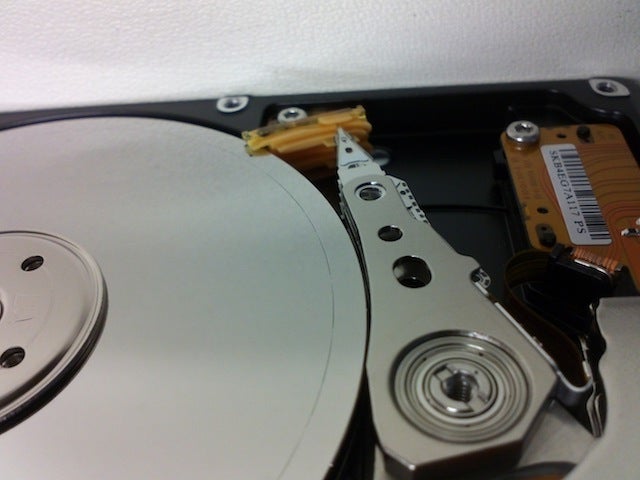
Inspect the outside of the hard drive for damage.
- Stop using your computer or external hard drive.
- Power down the computer or disconnect the external drive.
- Remove the hard drive from the computer or device.
- Examine it carefully for 'hot spots' or other damage on the external controller board.
- Check if there are broken parts.
- If you have a PATA (IDE/EIDE) drive, switch drive pin settings.
- If it was “slave” or “cable select,” set it to “master.”
- Plug it in alone without any other device on that port and try again.
Try other IDs and/or another PCI controller and try again. If you don't have another controller, a PCI card that adds ports to your computer, just change the ID.Plug it into an external drive adapter or external drive case (i.e. USB)if you have one.
If it does not spin up, try connecting it to another power source (include data connection as some drives don't spin up without). If on both it does not spin up, the fault is most likely related to the Printed Circuit Board.Connect the drive into another computer and try again. If this works, it is possible that the motherboard is at fault and not your hard disk.

Post a Comment